The Year View: See All of 2027 Before You Fill It In
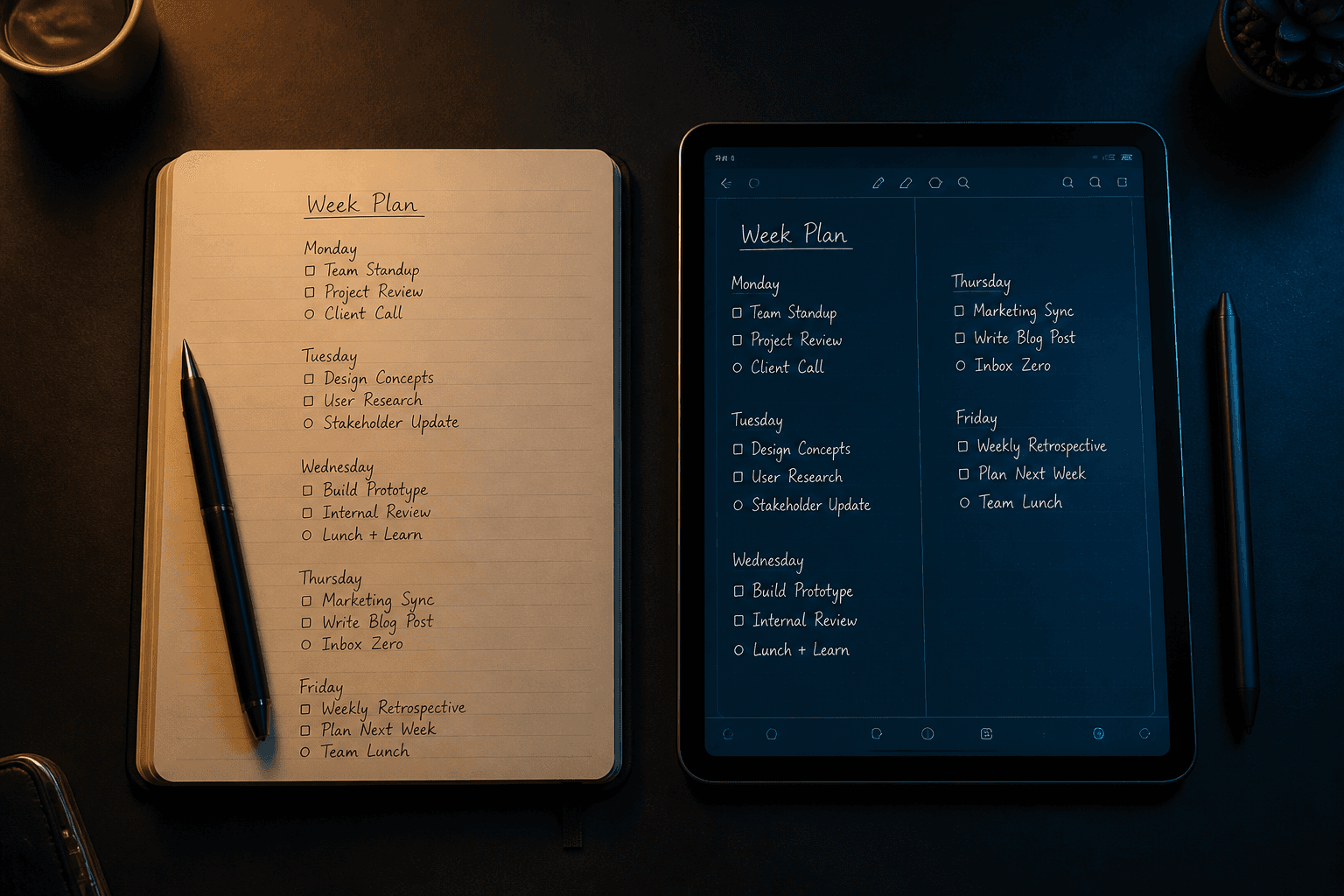
A handwriting planner that shows all twelve months of 2027 at once, with a goal and notes for each month written in your own hand. See how InkThink's Year View works.
Most planners start empty and hope you fill them. You open January, write a few things, close it, and spend February not quite sure what you meant to do in January. The year’s shape only becomes visible if you happen to flip back through every month.
InkThink’s new Year View flips that around. You open the app and the whole year is already there — all twelve months of 2027 on one screen, with a space for you to write a goal for each one.
What the Year View actually shows
Twelve months, arranged together, in the layout you would sketch on paper if you had one very large sheet of paper in front of you.
Each month is a card. Inside it you can:
Write a goal for the month — one line, in your handwriting. “New Year Goal!” is a perfectly good January goal. “Family Trip” is a perfectly good May goal.
Keep notes with it — the same month card holds an ideas and notes area, so the loose thoughts that belong to that month stay with that month.
See the whole year at once — September’s trip, October’s birthday, the thing you haven’t thought about yet, all visible in one glance.
The Year View is not a summary someone else made for you. It is twelve blank pages you can write on, arranged next to each other so you can see what you’re building.
Why writing the goal by hand matters
There’s a version of this that is just a calendar grid, and every digital planner has one. What makes the Year View different is what you write on it.
A typed goal is quick to change, which means it’s easy to write something you don’t quite mean. “Get fit.” “Read more.” “Better work-life balance.” A handwritten goal is slower, and that slowness is the point — it’s just enough friction that you write the thing you actually intend, and it’s just enough commitment that you’re reluctant to scribble over it in February.
Pencil Planner, Penbook, Penjo and DayJournal are all good apps, and all of them are iOS or iPadOS only. InkThink runs on iPad, Android, Windows, and Boox e-ink devices — so the Year View is available with whatever stylus you already own.
How it fits with the rest of the app
The Year View is a view, not a separate app and not a separate place your writing lives.
Write a goal in January’s Year View card, and your tasks, calendar entries and notes are still where you put them. Everything reflows across day, week and month views when your plans change. The Year View shows you the shape of the year; the rest of InkThink is where you actually work.
Tap any month and you open that month’s goal and notes together — headline in one field, ideas and notes below it, both written with your pen.
Getting started
Download InkThink and open the Year View. There are twelve months waiting and nothing in them yet, which is either the best or the worst feeling depending on how you feel about a blank January.
You can try it free for 7 days, no card required. The Base app is a one-time purchase if you keep it.
See the full 2027 planner page, or read how to plan next year.