Planner Alternatives: Paper, Notion, or InkThink?
Comparing the real ways to plan - paper, Notion, a notes app, and InkThink - on the things that actually decide whether you keep using it. Honest trade-offs.
The planner search has four real answers
There are only four serious ways to plan a year, and most “best planner” articles pretend there are twenty by listing variations on the same three ideas. Here are the four, with the actual trade-offs.
The short version: if you think on paper, use paper. If you think in databases, use a database. If you think on a screen with a pen, use a pen-first app. And if you want to write but not on paper, that’s the category InkThink was built for, which makes me the least objective person on this page — read the InkThink section last and weight it accordingly.
Option 1: Paper
Who it’s for: People who think on paper. Which sounds tautological, but the actual criterion is narrower and more useful: people whose handwriting is faster and more natural than their typing, and who don’t need their planner to connect to anything else.
The genuine strengths. A paper planner has essentially zero failure modes. It doesn’t need charging, doesn’t need an update, doesn’t need an account, doesn’t lose anything to a sync error. A Leuchtturm or Midori with a good pen will do everything a productivity app does for about a third of the price, and it will never show you a notification.
There’s also the thing nobody can fake: the physical act of writing is cognitively different from typing. You remember where you wrote it, you remember the shape of the page, you remember the pen. That spatial memory is real and it works.
The genuine costs. The duplication problem — you write the same task on a calendar and in a to-do list because paper has no idea they’re the same task. The loss problem — you will lose the planner, and the loss rate is not low. The zoom problem — one zoom level per spread, so a weekly plan and a monthly plan are different notebooks, and the to-do list is a third. And the system problem: paper planners don’t reflow. Move a Tuesday meeting and you rewrite it in two places, by hand, and you will eventually stop doing that, which is when the whole thing quietly dies.
The verdict. Genuinely the best choice for a lot of people, and it deserves to be said plainly rather than treated as the nostalgic default that gets outperformed by every app on the list.
Option 2: Notion (and Notion-likes)
Who it’s for: People whose planning is really a database. If your year is genuinely made of projects, and you want to link a task to a document, a goal to a project, a project to a note — and you like configuring that structure more than using it — this is the right tool.
The genuine strengths. It’s infinitely flexible, which sounds like a feature and is actually a trap and also a feature depending on who you are. Everything connects. If you run a business, a personal life, and a newsletter in the same workspace, the ability to have one database that cuts across all three is unmatched. It’s free for personal use, or cheap.
The genuine costs. Two, and they’re severe.
Setup is the product. A blank Notion page is the most powerful and most paralysing thing on the market. You will spend a weekend building a system. You will enjoy building it. The system will not be used.
It is a typing-first tool. This is the part that matters for this particular comparison. Writing in Notion means typing. There’s no handwriting, no ink, no pen. For a lot of people that’s fine — it’s how they’ve always worked. For people who think in ink, it’s a constant low-grade translation tax, and it costs something every time you plan.
The verdict. Best-in-class if your brain is structural. Miserable if your brain is spatial. If you need to write and have been tolerating typing, there is a version of your Notion setup that could have ink — but you’re not going to build it, and you shouldn’t try.
Option 3: The note-taking app with a planner template
GoodNotes, Notability, Samsung Notes, Noteshelf, Apple Notes.
Who it’s for: People who want to write by hand and already have one of these installed, and who want a planner layout inside it.
The genuine strengths. These are excellent apps and there’s a reason millions of people use them. Handwriting capture is superb, search works, and if your needs are modest, the template layer is genuinely enough. Samsung Notes on a Galaxy Tab with an S Pen is a legitimately great free setup.
The genuine costs. This is the trap: these are note apps wearing a planner costume. Writing a to-do list on a static PDF spread is not a to-do list. It’s ink on a picture of a to-do list. The item doesn’t move when the day moves. It doesn’t roll into the week. It doesn’t know it exists in two places.
Second cost: good handwriting, but a static canvas. A planner that can’t reflow means you redraw the month when something shifts, by hand, every time.
Third cost, for some: subscriptions. GoodNotes moved to a subscription model. Day One is around $99 a year. If you’re going to pay annually anyway, that cost belongs in the comparison.
The verdict. If you write by hand and only need to record plans, these are fine and the free tiers are generous. If you want a planner that behaves like a planner — where a moved task actually moves — this is where the category quietly disappoints.
Option 4: InkThink
I built this, so read this section with the appropriate skepticism. I’m going to try to describe it accurately, including where it’s the wrong choice.
Who it’s for: People with a pen tablet who want to write by hand and want their handwriting to live in an actual planning system — tasks and calendar entries that reflow across day, week, and month views, in your own ink, rather than as text you didn’t ask for.
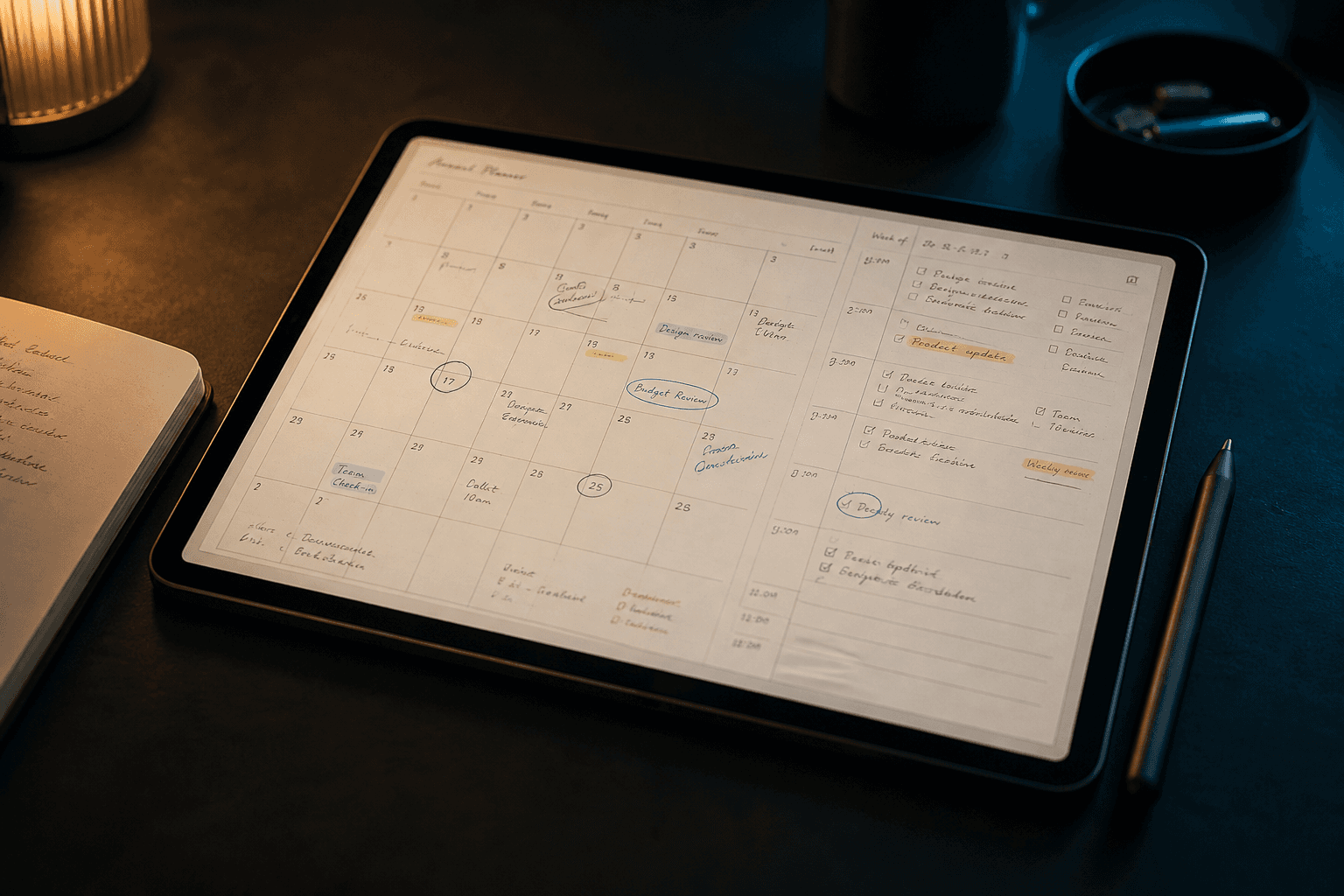
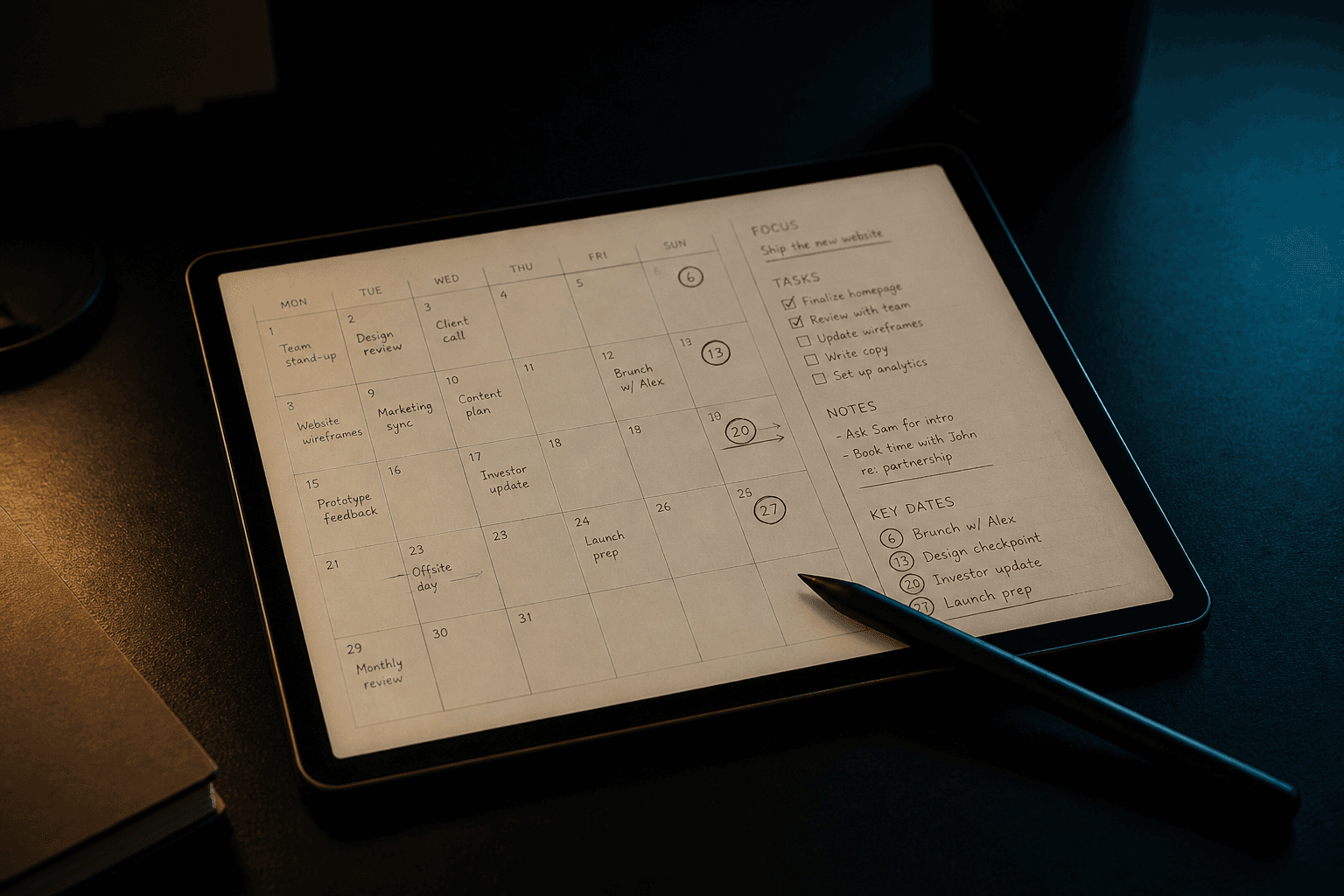
What it does differently. The core design decision is that ink stays ink. Nothing gets OCR’d into a font you didn’t choose, and the handwriting remains searchable without being converted. Tasks and calendar entries written in a month view flow into week and day views as live items, not pictures. The weekly dashboard reflows itself when the week changes, so moving a meeting moves it everywhere. It’s offline-first — writing doesn’t stop when Wi-Fi does. It runs natively on iPad, Android, Windows, and Boox, so the same ink moves between your tablet and your laptop. And it’s available as a one-time purchase, which for someone with a pen they already own feels more honest than a monthly fee.
Where it’s the wrong choice. If you want a database — linking a task to a document, tracking across projects, sorting by custom properties — Notion is better and probably always will be. If you don’t own a pen tablet, this is a strange purchase; a paper planner and a cheap notebook will serve you better. If you need team collaboration and shared plans, it isn’t that. And if you’re perfectly happy typing, the whole premise doesn’t apply to you.
The verdict. If you think in ink and want the ink to be the plan rather than a picture of one, this is the category leader and I’d say so without hesitation. If you think in databases, read Option 2 again.
How to actually decide
Ask yourself three questions in order:
1. Do I think on paper, on a screen, or on a screen with a pen?
- Paper → Option 1. Paper is excellent and you should stop reading reviews and go buy a notebook.
- Typing and structural → Option 2.
- Screen with a pen → Option 3 or Option 4, and the deciding question is question 2.
2. Do I want a planner that reflows, or a place to record plans?
If you want to record — write the week down, look at it, reference it — Option 3 is enough and free options are good.
If you want a planner that behaves — where moving a task on Monday moves it on Friday, where the month view is alive rather than a picture — that’s Option 4, because it’s the only one of these where the plan is a live object.
3. Am I willing to pay for the tool, or is the cost a monthly thing?
If recurring fees make you resent a tool, filter for one-time purchase. This is a bigger factor than people admit, and it’s the main reason a subscription-free option can beat a better product with a subscription.
The one thing worth doing this month
Whatever you pick, don’t set up twelve months. Set up the next month, write your recurring commitments first, and keep one single place where you capture things. The reason planners fail is almost never the layout — it’s that you had somewhere else to write the thing down, so you wrote it there instead.
If you want to try the pen-first option, InkThink has a seven-day free trial — no card, works on iPad, Android, Windows, and Boox. If the question in step 1 was “screen with a pen,” that’s the fastest way to find out whether it fits. If it doesn’t, you’ve lost a week and learned something real, and the paper planner in Option 1 is still there.
If you’re shopping for a specific year
One timing note, since a lot of people land here in the autumn buying season.
The comparison above doesn’t change from year to year, but the moment you buy does. Most people buy their planner in late December, which is the worst possible week to do it — you’re recovering from the year, you have a spare afternoon and a new notebook, and you’re optimistically filling in twelve months of plans that will not survive February.
Buy a few weeks earlier than feels natural. Set up the next month rather than the whole year. And if you want the reasoning for that, it’s in how to plan next year, and the annual shortlist is in the planner guide.