Ways You Didn't Know You Could Use InkThink
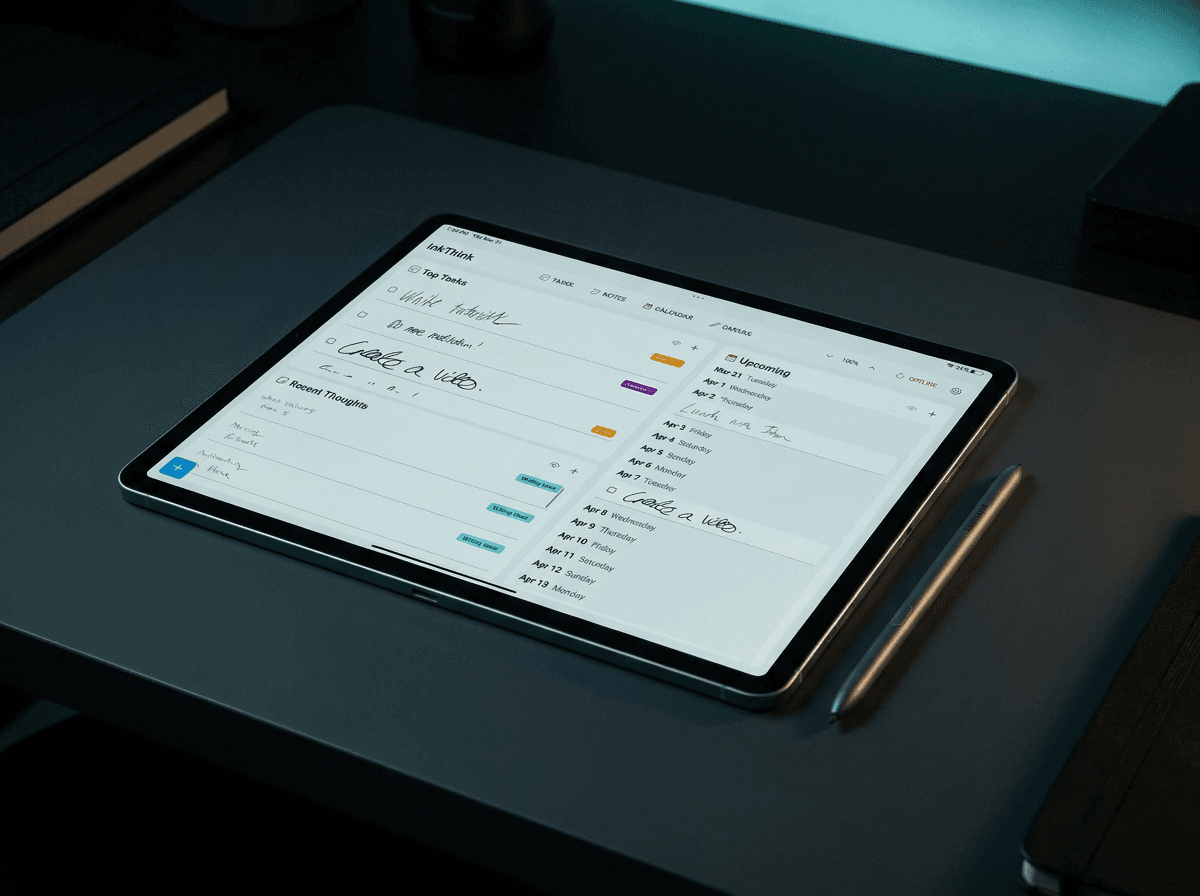
We designed InkThink around a simple idea: ink should carry more than just marks. It should carry data—dates, status, structure. Here are five workflows that go way beyond "digital notebook."
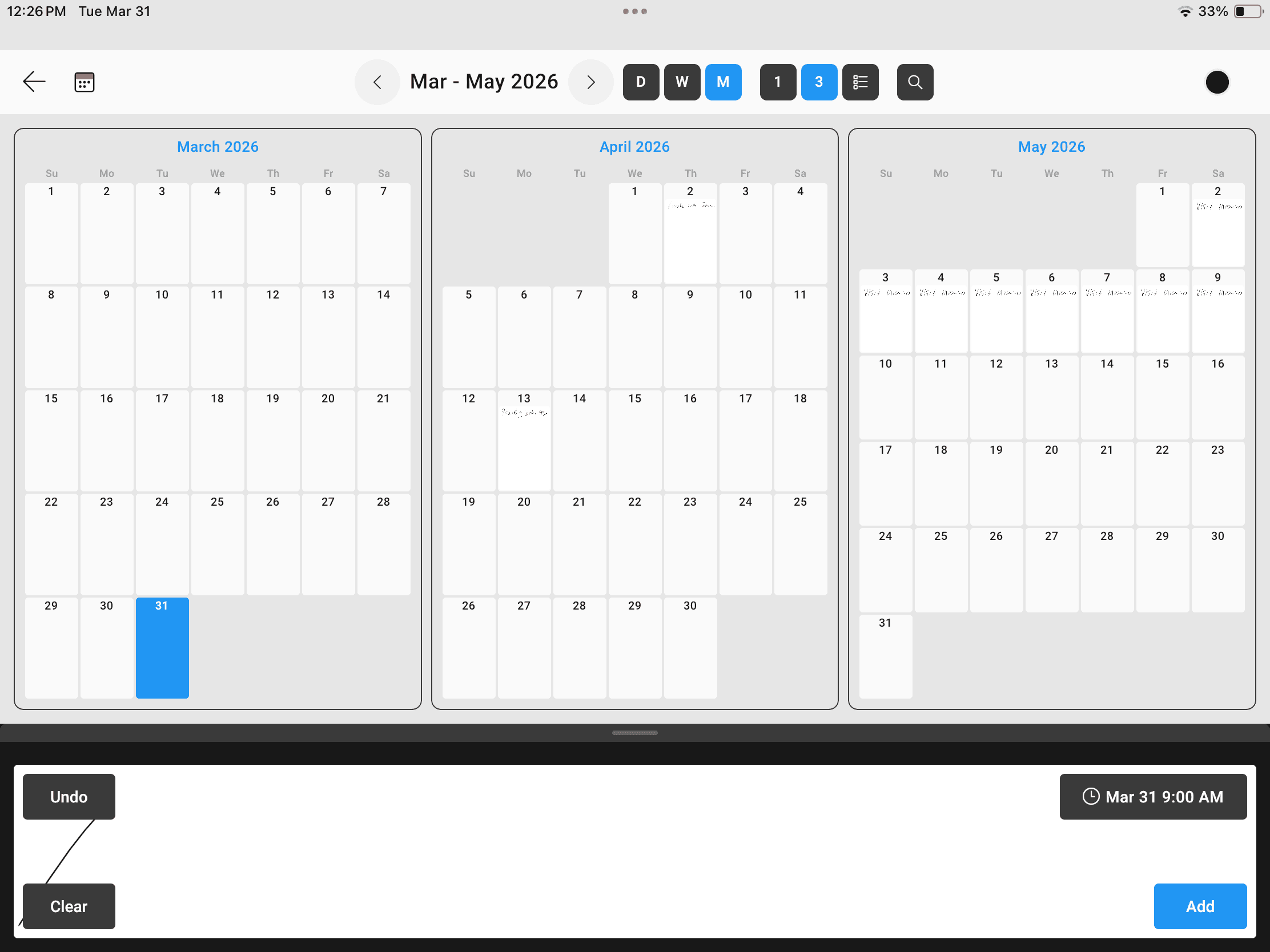
When we built InkThink, we designed it around a simple idea: ink should carry more than just marks. It should carry data—dates, status, structure. That's what we call Intelligent Ink™.
But the real insight came later, watching how people started using the app in ways we hadn't anticipated. They discovered that breaking your thoughts into atomic ink notes—small, self-contained thought blocks that nest and link together—unlocked workflows that feel impossible with traditional notes or keyboards.
Here are five ways you might start using InkThink that go way beyond "digital notebook."
1. Structured Reading Notes: Chapters as Parent Notes
If you're a serious reader, you know the feeling: you finish a book and have no idea what you actually learned from it. Your notes are scattered across random pages—highlights without context, thoughts disconnected from where they belong.
InkThink's parent/sub-note structure changes this.
Create a parent ink note for each chapter. As you read, add sub-note blocks underneath for your thoughts, reactions, and highlights. Your parent note becomes a container—the chapter context. Each sub-note is a discrete idea or reaction that stays attached to that moment in the book.
When you finish the book, you don't have a wall of scribbles. You have a nested structure that mirrors the book's architecture. Chapter 3's insight about leadership? It's nested under Chapter 3. That random thought about how it connects to a TED talk you watched? It's a linked note, tagged and retrievable.
This transforms reading from passive consumption into active, organized thinking.
2. Morning Journaling: Atomic Thoughts for Daily Reflection
There's something about pen and paper for journaling—it feels more real than typing. But handwritten journals are notoriously unsearchable and hard to revisit.
InkThink fixes that by letting you turn freeform writing into structured reflection.
Your parent note is the day (or a specific prompt, like "What am I grateful for?"). Underneath, each atomic sub-note becomes an individual thought or reflection. Some days you might write five reflections. Other days, you write one long one and break it into sub-notes for clarity.
Because later, when you want to find moments of clarity or track how your thinking has evolved, you can. You can jump to any month's entries and see the atomic thoughts you captured. You can search for patterns—what were you grateful for most? What kept coming up?
The structure doesn't get in the way of the freeform practice. You're still writing by hand, still in flow. But you've added just enough intelligent structure to make your journal actually useful years later.
3. Meeting Notes: Turn Chaos Into Action Items
Live meetings are chaotic. Speakers jump between topics. You're writing frantically, and by the time you're done, you have three pages of disconnected notes with no clear action items.
Atomic ink notes solve this in real time.
Use your parent note as the meeting context (date, attendees, agenda). As people speak, create sub-notes for each major topic or decision point. When someone says "we need to fix the signup flow," that's a sub-note. When someone commits to a deadline, that's another sub-note.
When the meeting ends, you don't have pages to decipher. You have structured notes where each idea is isolated and linked. That signup flow note can be cross-linked to your product roadmap. That commitment is timestamped to the right meeting.
You can even use ink note tags to mark [DECISION], [ACTION], [BLOCKED]—Intelligent Ink™ means your marks mean something beyond just being words on a page.
4. Project Planning: Visual Hierarchies That Feel Natural
Digital project management tools are great, but they feel corporate and rigid. Pen and paper feels natural, but you lose all the structure.
With InkThink, you get both.
Create a parent note for your project. Break it into sub-notes for major phases or workstreams. Under each phase, break it further into atomic tasks or milestones. Link related notes across projects. Use your ink to add quick sketches, timelines, or flowcharts that live alongside your structured notes.
This isn't a Gantt chart—it's more fluid. But it's also more useful than a random notebook because when you change your mind about a phase or timeline, you're not scratching everything out. You're just reorganizing your atomic notes. The structure serves you; it doesn't constrain you.
5. Learning Journeys: Build Your Own Knowledge Tree
Say you're learning something new—a programming language, a design skill, or a body of knowledge like psychology or economics. You watch tutorials, read articles, take notes. Usually those notes are scattered across different apps, different notebooks, different formats.
InkThink lets you build a knowledge tree that grows as you learn.
Create a parent note for the skill you're learning. As you work through resources, create sub-notes for each concept or lesson. Link related concepts across lessons. Add follow-up notes when you revisit something. Create tags for "need to practice," "still confused," or "project idea."
Over time, your atomic ink notes become a navigable map of everything you've learned. Not a reference library—an evolution of your understanding. When you look back, you can see not just what you learned, but how your thinking about it changed.
And here's the thing: you were doing this anyway. Humans naturally organize knowledge hierarchically. InkThink just gives you the structure to capture that natural organization without it feeling artificial.
Why This Works: Pen Meets Structure
All of these workflows share something in common: they work because ink is how humans think naturally. We sketch hierarchies. We nest ideas. We link thoughts across the page.
But most digital note apps feel like they're fighting that instinct, trying to force linear typing into our nonlinear brains. InkThink doesn't do that. It takes the spatial, hierarchical way you think with a pen and gives it structure, so you can actually find and use your thoughts later.
The insight isn't revolutionary. It's just recognizing that Intelligent Ink™ and atomic ink notes aren't features—they're how thinking actually works.
The next time you reach for a notebook, try InkThink instead. You might find you're not just taking notes—you're building.