The One-Page Productivity System That Actually Sticks
Strip your productivity system to one page with four quadrants. The constraint is the feature — here's why a small system beats a powerful one, and how to start today.

I used to think productivity was about finding the right app. Then I spent a year switching between seventeen of them, and the only thing that changed was the color of my overdue notifications.
Here's what I learned the hard way: the more complex your system, the more likely it is to collapse under its own weight. Every productivity setup I've ever built started simple and accreted features until I was spending more time managing the system than doing the actual work. The system became the work.
There's a different way to think about this. Instead of designing a system to scale with your ambitions, design one that's small enough that you'll actually use it. A page you can see at a glance beats a dashboard you have to log into. This is the core insight behind the one-page approach: constraint is the feature, not the bug.
What a one-page system actually looks like
Forget everything you know about productivity apps for a minute. A one-page system is exactly what it sounds like — a single page, divided into a few zones, that captures everything you need to act on right now. No nested folders. No tags. No second-brain architecture to maintain.
The classic layout has four quadrants:
Today — the three to five things you'll do today. Not aspirations, not goals. Tasks you can finish before you close the laptop.
This week — commitments you've made for the week. Meetings, deadlines, calls. Things with dates attached.
Projects — ongoing work that takes more than one sitting. Not tasks — projects. The umbrella a task lives under.
Later — someday-maybe. Things you want to remember but aren't committing to. Ideas, references, things to revisit.
That's it. Four zones on a single page. Anything that doesn't fit one of those quadrants goes in an inbox at the top — a parking lot for thoughts you haven't processed yet. The discipline is that you process the inbox daily, moving each item into its proper quadrant or deleting it.
Why one page works when everything else fails
Most productivity systems fail for one reason: they require you to remember the system. You have to remember the right tag, the right folder, the right project structure. Every decision you make about where something goes is a decision you're not making about the actual work.
A one-page system flips this. There's no "where does this go" decision because there are only four places it can go. The cognitive overhead of filing a task drops to nearly zero. You stop curating your system and start using it.
There's a deeper reason, too. A page you can see at a glance is a page that stays in your head. You don't have to load the app to remember what's on it. You don't have to context-switch to check your commitments. The information lives in your working memory because you've seen it enough times to internalize it.
Compare this to a typical task app with dozens of nested projects. You open it, you scroll, you remember why you opened it, you close it. The system has become a chore you avoid.
What you give up (and why it's worth it)
I'm not going to pretend a one-page system is the right tool for everyone. There are real tradeoffs.
You lose search. A page doesn't have a search bar. If you wrote something down six months ago and want to find it again, you're going to flip through pages. For most people, this isn't a problem — old tasks don't need to be found, they need to be done or deleted. But if you're building a knowledge base, a one-page system is the wrong tool.
You lose cross-linking. A task can't be in two projects. An idea can't link to three other ideas. Everything is flat. This is a feature for daily execution but a bug for creative work where the connections between things matter.
You lose collaboration features. A page is yours. You can't share a quadrant with a teammate without screenshotting it. If your work depends on shared task lists, calendars, and assignable tickets, a one-page system is a personal tool that needs to live alongside whatever your team uses.
But here's the thing — for most people, most of the time, the tradeoffs are worth it. The question isn't "what's the most powerful system I could design." The question is "what's the system I'll actually use on a Tuesday afternoon when I'm tired and don't feel like fighting my tools."
How InkThink does this in software
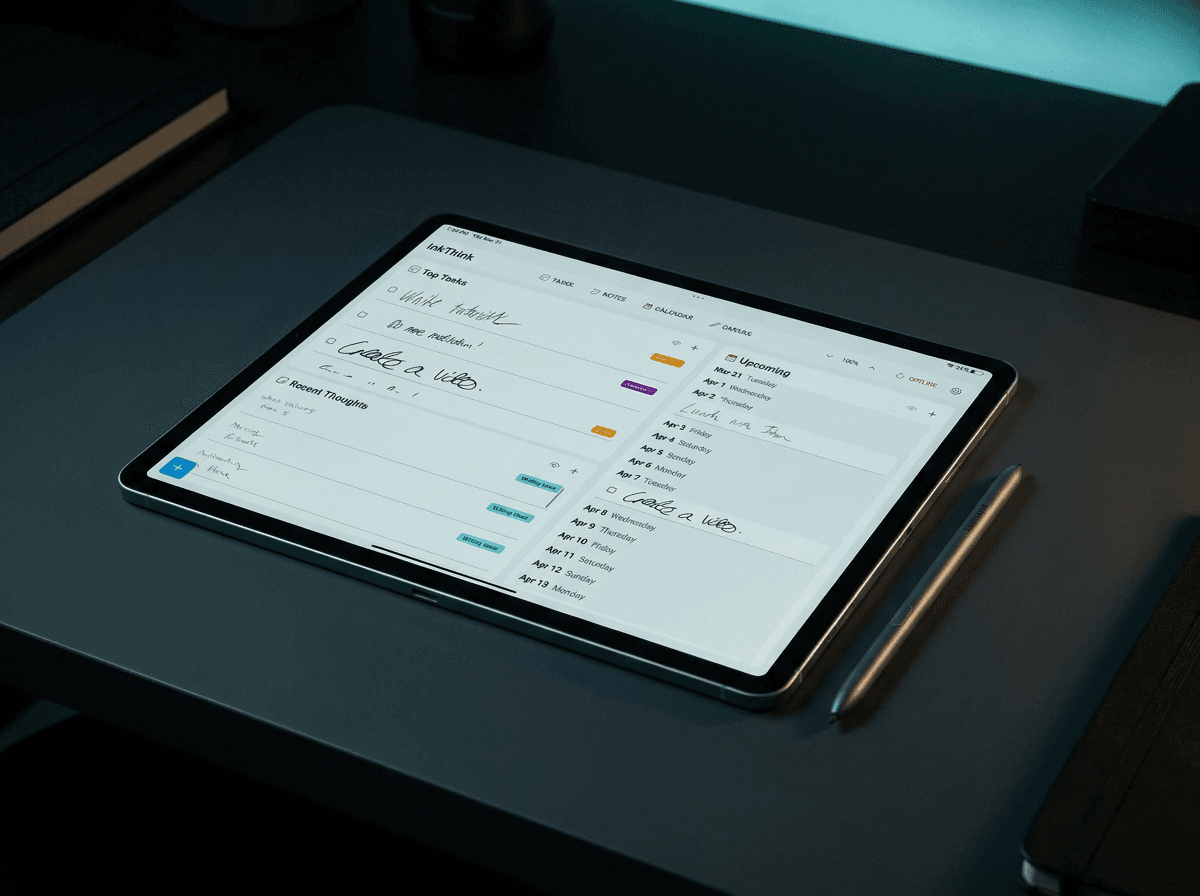
I built InkThink because I wanted the discipline of a one-page system with the easy filtering and durability of digital. The hard part was keeping the constraint — it's tempting to add features, and every feature you add is a small erosion of the "one page you can see at a glance" promise.
In InkThink, you get a single canvas or page of tasks. I'm going to explain how to recreate this model of Today, This Week, Projects and Later using the Tasks feature and our Kanban view. It's trivially simple just like using the piece of paper.
Add your task. Setup 4 labels - Today, Week, Project and Later. Then select a label for each task as you enter it. You can keep adding more tasks, scribble away. What's nice about this is you can see them visually and even move things between places! The point is that you never have to think about where something goes. It goes where it visually belongs, and that's the end of the decision.
The capture inbox is a small task input area at the bottom and you just let it sit in the Tasks list but with no Label. Anything you don't have a quadrant for yet sits there. The daily processing ritual is to empty it — move each item to its proper zone label, or delete it. The whole thing takes about three minutes if you keep up, longer if you've let it pile up.
What InkThink doesn't do is what makes it work. No notifications. No badges. No streak counts. No social features. The system doesn't try to keep you engaged with the system — it tries to keep you engaged with the work.

How to start
If you want to try a one-page system, here's the simplest way to start:
Take a single sheet of paper. Divide it into four quadrants. Label them Today, This Week, Projects, Later.
Pick one quadrant to start with. I'd suggest Today. Write down the three to five things you'll actually finish today. Not the aspirational version — the realistic one.
Keep the page where you'll see it. On your desk, taped to your monitor, on the fridge. The point is that you'll internalize it by looking at it, not by logging in.
Tomorrow, move what you didn't finish. Don't rewrite the whole page. Just slide the unfinished task over. The page evolves, it doesn't reset.
If you stick with this for two weeks, you'll notice something: the page gets shorter, not longer. You stop writing aspirational tasks. You start writing the things you actually do. The system reflects reality instead of trying to enforce an idealized version of it.
After a month, if you're still using the paper version and want to keep it digital, that's when an app like InkThink makes sense. But start with paper. The constraint is the lesson. Note, you can also try out sister app NoteDex where you have Index Cards, and you can lay them out also on a Canvas. Like InkThink but even more powerful.
Why this beats the app I used to use
I kept a popular task app for three years before I switched. It had every feature you could imagine — subtasks, tags, priorities, dependencies, recurring tasks, project templates, integrations. I never used more than 20% of it. The other 80% was noise I was paying for in cognitive overhead.
The one-page system cut all of that out. I can't tell you my system is more "powerful" than what I had before, because it isn't. I can tell you that I actually use it, and the work I do with it gets done. That's the only metric that matters.
Powerful systems are easy to build. Used systems are hard to build. The difference is constraint.
The real reason one-page works
There's a quote I keep coming back to, though I won't pretend I remember who said it: "The best productivity system is the one that requires the least productivity to maintain." A one-page system requires almost no maintenance. You don't have to tag. You don't have to archive. You don't have to back up. You just write things down and look at the page.
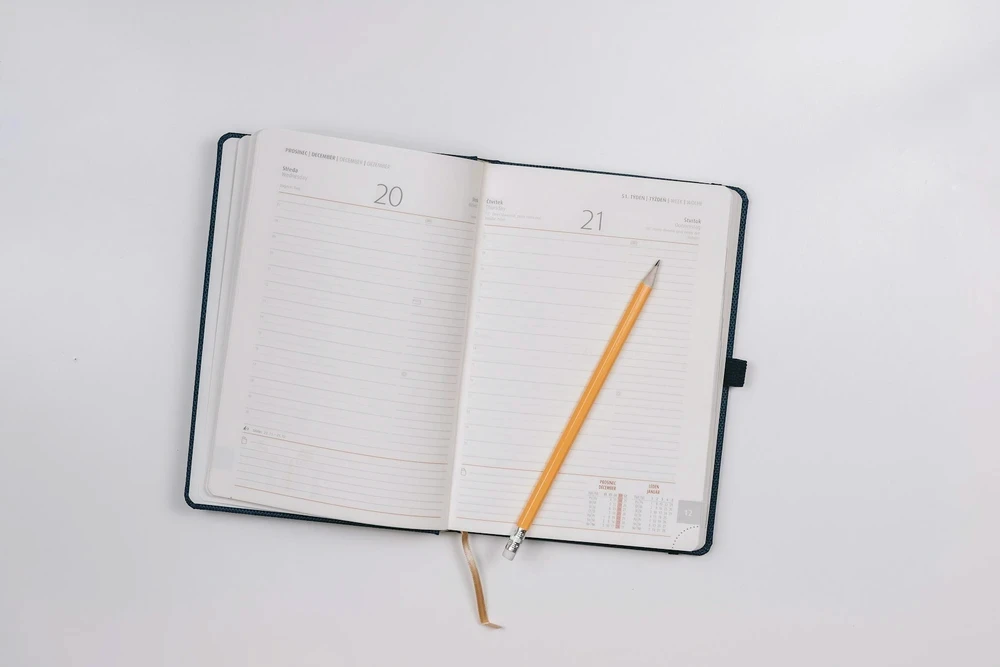
This is what minimalist planners got right from the start, long before digital productivity became an industry. The point wasn't to design a beautiful system. The point was to design a small enough system that the system would never become the work.
If you've been bouncing between apps, accumulating features, watching your productivity drop as your system gets more sophisticated, try the opposite move. Strip it down to one page. See what happens.
Most people who try this never go back.
Frequently asked questions
Won't I outgrow a one-page system?
Probably not. The constraint is the feature. Most of what feels like "outgrowing" is actually friction from a system you've stopped trusting. If the page reflects what you're actually doing today, this week, this project, and what's on the back burner — that's enough. Most people have fewer real commitments than they think.
What if I need to plan more than a week ahead?
Add a second page. But call it what it is — a project page, not a planning page. The one-page discipline is for daily and weekly execution. Anything past two weeks is forecasting, and forecasting belongs in a different tool (or a different headspace). Don't try to make your daily system into your quarterly planning tool.
Does this work for team work?
Partially. A one-page system is a personal execution tool. It works alongside whatever your team uses (Linear, Asana, Jira, a shared doc) — your page captures what you need to do today from among the team's commitments. Don't try to make your one-page system the team's source of truth; that's a different problem.
Is this just GTD in a different wrapper?
The lineage is similar — capture, process, organize, review, do. But GTD encourages elaborate folder hierarchies, context tags, and review rituals. A one-page system deliberately omits most of that. If you've tried GTD and bounced off it because the maintenance burden was too high, a one-page approach is GTD with the friction removed.
What's the difference between this and a bullet journal?
A bullet journal is a system for replacing a planner with a notebook. A one-page system is a single page you keep coming back to. The bullet journal has daily logs, monthly logs, future logs, indexes — a lot of moving parts. The one-page approach says: keep it to one page, evolve it daily, never reset it.
Should I use paper or digital?
Start with paper. The constraint forces the lesson. If you stick with it past a month and want the durability of digital, that's when an app like InkThink becomes useful. Most people who go straight to a digital version try to replicate the complexity of the app they were trying to leave.
How do I handle recurring tasks?
Write them down in Today the first time they come up. When they come up again, rewrite them. If a task is truly recurring (a daily standup, a weekly review), it goes in This Week as a permanent entry — not as something you delete and re-add. The page is meant to evolve, not reset.
What about long-term goals?
A one-page system is for execution, not goals. Goals live somewhere else — a vision doc, a quarterly review, a single sentence at the top of your notebook. The page captures what you're doing, not what you're working toward. The two are different problems and benefit from different tools.
Is there a risk of losing the page?
Yes — paper can get lost or damaged. That's the tradeoff. If you're worried about this, snap a photo of the page each evening. The photo isn't a system; it's insurance. Don't try to make the photo into the system, or you'll end up where you started.
If you've been drowning in productivity apps, give this a try. One page. Four quadrants. The discipline of processing your inbox daily. The constraint is the lesson.
— Prem, Creator of InkThink